How to Book Mumbai Local Train Ticket Online – Step-by-Step Guide
Learn how to book Mumbai local train tickets online easily with step-by-step guidance, tips, and payment options for a smooth travel experience.


Introduction
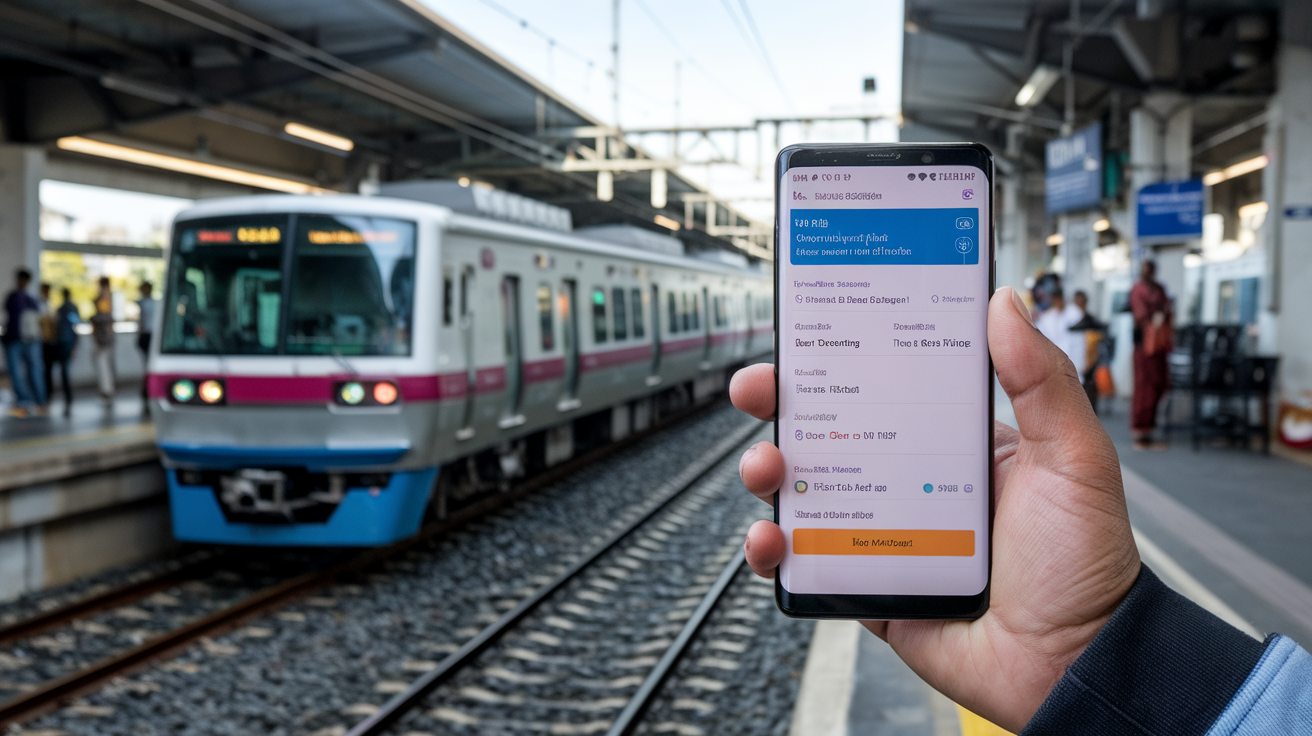
Traveling by Mumbai local trains is the fastest way to navigate the city’s bustling streets. But standing in long queues for tickets can be tiring. Thankfully, you can book your Mumbai local train ticket online quickly and conveniently.
In this guide, I’ll walk you through the simple steps to book your ticket online. Whether you’re a daily commuter or a first-time traveler, you’ll find practical tips to make your journey hassle-free.
Understanding Mumbai Local Train Ticket Options
Mumbai local trains offer various ticket types depending on your travel needs. Knowing these helps you choose the right ticket online.
- Single Journey Ticket:
Valid for one trip between two stations.
- Return Ticket:
Allows a round trip on the same day.
- Season Ticket:
Ideal for daily commuters, valid for 1, 3, or 6 months.
- Platform Ticket:
For non-travelers who want to access the platform area.
Online booking mostly covers Single and Return tickets. Season tickets require offline purchase at designated counters.
Step-by-Step Guide to Booking Mumbai Local Train Tickets Online
1. Choose the Right Platform
You can book tickets through official apps or websites. The most trusted options are:
- UTS On Mobile App:
Official app by Indian Railways for local train ticket booking.
- UTS Website:
Accessible via https://uts.indianrail.gov.in/ for desktop users.
2. Register or Log In
To book tickets, you need to create an account or log in if you already have one. You’ll need:
Mobile number for OTP verification.
Valid ID proof details for registration.
3. Select Ticket Type and Stations
After logging in, select the ticket type (Single or Return). Then choose your boarding and destination stations from the dropdown list.
4. Choose Number of Tickets and Class
Enter the number of tickets you want to book. Mumbai locals usually have First Class and Second Class options. Choose according to your preference and budget.
5. Make Payment
The app or website offers multiple payment options:
Credit/Debit Card
Net Banking
UPI (Google Pay, PhonePe, etc.)
Mobile Wallets (Paytm, Mobikwik)
Complete the payment securely to confirm your booking.
6. Download or Save the Ticket
Once payment is successful, your ticket will be generated as an e-ticket. You can download it as a PDF or save it within the app for inspection during travel.
Tips for a Smooth Online Booking Experience
- Use a stable internet connection
to avoid transaction failures.
- Keep your ID proof handy
as ticket inspectors may ask for it.
- Book tickets in advance
during peak hours to avoid last-minute rush.
- Check train timings and platform info
on the app to plan your journey better.
- Update the UTS app regularly
for new features and security patches.
Common Issues and How to Resolve Them
Payment Failure
If your payment fails but the amount is deducted, wait for 10-15 minutes. Usually, the amount is refunded automatically. If not, contact the payment gateway or UTS support.
Ticket Not Generated
Sometimes tickets may not generate immediately after payment. Refresh the app or website and check your booking history. If still unresolved, reach out to customer care.
App Login Problems
For login issues, verify your mobile number and OTP carefully. If problems persist, reset your password or reinstall the app.
Benefits of Booking Mumbai Local Train Tickets Online
- Time-saving:
No need to stand in long queues at stations.
- Convenience:
Book anytime, anywhere using your phone or computer.
- Contactless:
Reduces physical contact, ensuring safer travel.
- Easy Refunds:
Online cancellations and refunds are processed faster.
- Real-time Updates:
Get instant notifications about your ticket status.
Conclusion
Booking Mumbai local train tickets online is a simple and efficient way to travel the city. By using the official UTS app or website, you can save time and avoid queues.
Follow the steps carefully, keep your documents ready, and choose the right ticket type for your journey. With online booking, your daily commute or occasional trip becomes hassle-free and smooth.
FAQs
Can I book season tickets online for Mumbai local trains?
No, season tickets currently require offline purchase at designated railway counters.
Is the UTS app free to download?
Yes, the UTS app is free and available on both Android and iOS platforms.
What documents do I need for online ticket booking?
You need a valid ID proof like Aadhaar, PAN, or Passport to register on the UTS platform.
Can I cancel or refund my online local train ticket?
Yes, cancellations and refunds are possible through the app or website, subject to terms and conditions.
Are online tickets valid for all Mumbai local trains?
Online tickets are valid on all suburban trains operated by Central and Western Railways within Mumbai.